This guide starts with a short tour of the Google indexing report, so you know where every number comes from. After that it goes through the Search Console reasons one at a time: what each means, what usually causes it, how to fix it, and how IndexPedia tells you the fix worked. Keep it open next to your report as a reference.
- Where in the app
- Your site, then Google indexing
- Plan
- Pro $19/month or Agency $49/month
- Time it takes
- 1 minute to connect, then updated after every run
- What you need
- A Google account with access to your site in Search Console
- Works on
- Any website verified in Search Console
A quick tour of the report
You connect Google once from your site by signing in with your Google account and giving read-only access to Search Console. IndexPedia can then read your indexing data, but it can't change anything in your account or on your site.
Once you are connected, the report has three screens worth knowing.
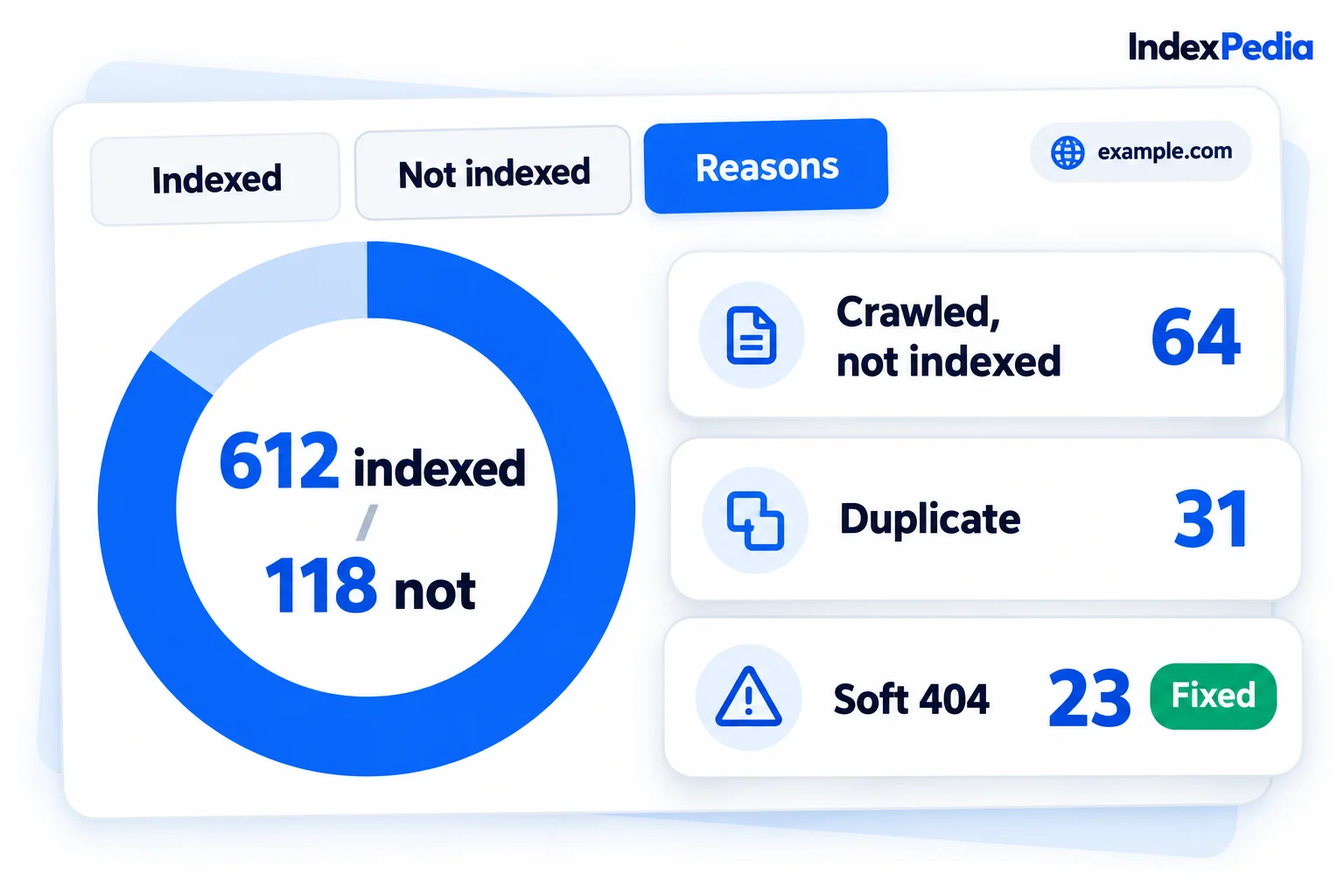
The overview shows Google connected at the top, then the counts. In the demo site, Google has 612 pages indexed and 118 not indexed. Next to them is Real problems: 118, spread across 3 reasons: Discovered - currently not indexed (71 pages), Crawled - currently not indexed (29) and Duplicate without user-selected canonical (18). Those add up to the 118.
Some not-indexed statuses can be normal, like a page you marked noindex on purpose. Real problems counts only the reasons that need your attention, and here that's all 118 pages. Below it sits the Indexed pages over time chart. In the demo it's rising, which is what you want to see after fixes.
The reasons list shows each reason with its page count and a validation badge. Open one and you'll see example pages. When IndexPedia re-checks an example and it looks right, it's marked Fixed, and when enough examples are fixed, the badge tells you the reason is ready to validate in Search Console.
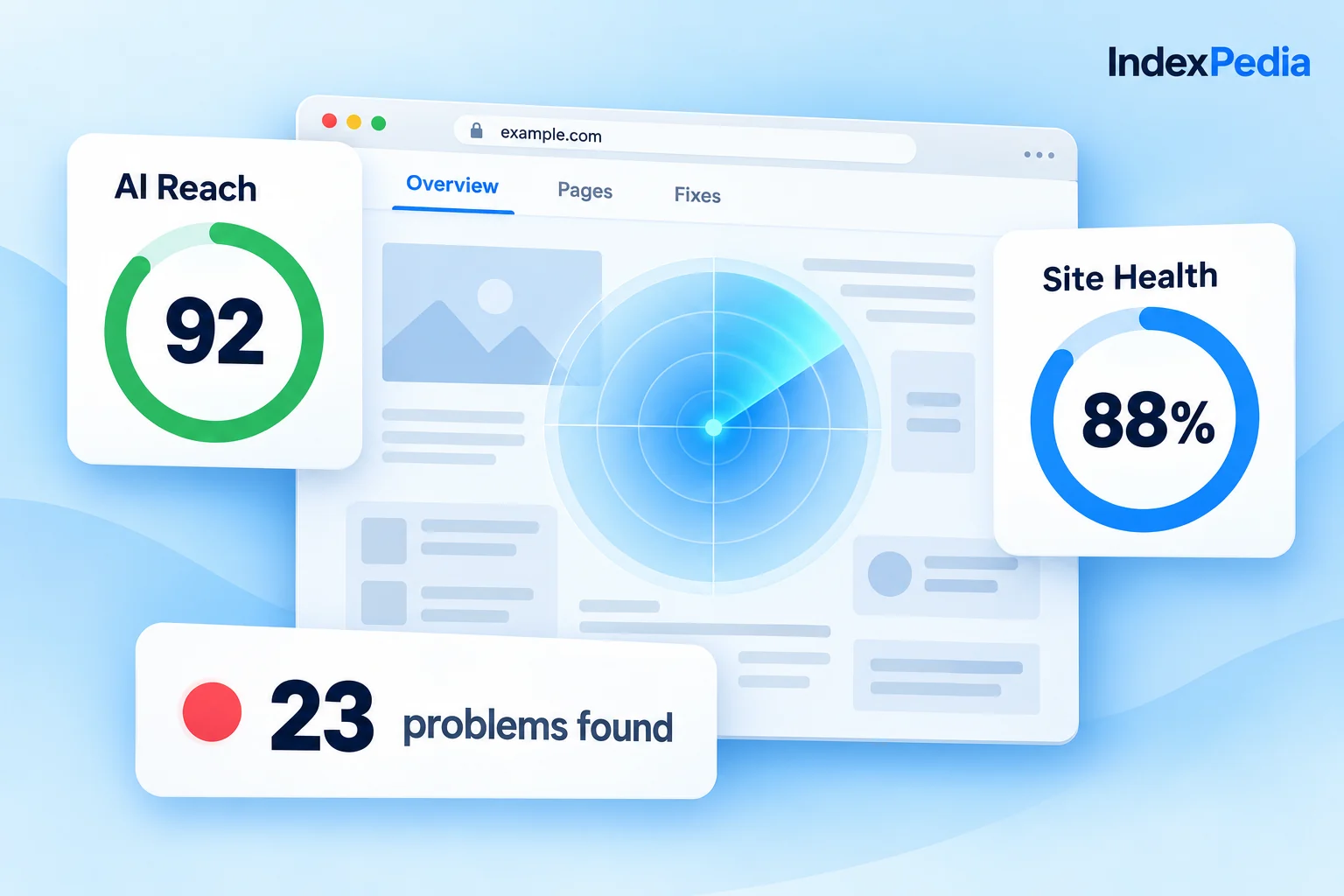
The site audit is IndexPedia's own crawl of your site. It shows Site Health 99%, Errors 39, Pages checked 5,000 and Sent to IndexNow 23,336. Its Why pages aren't indexed table connects Google's reasons to what the crawl found on your pages, such as noindex tags, redirects or missing canonicals.
Here's what I look at first. The Real problems number, then the biggest reason in it. On most sites one reason holds most of the pages, so fixing that one moves the chart the most.
The rest of this guide is reference. Each reason below is split into the same four parts, so you can jump straight to the one you're seeing.
The reasons, one at a time
Discovered - currently not indexed
What it means. Google knows the address exists but hasn't crawled it yet, so it's waiting in the queue.
Common cause. Too many low-value addresses are competing for Google's attention. Filter pages, tag pages, calendar pages and endless sort orders all take a place in line while your important pages wait. It also happens a lot on new sites and on pages with few internal links. In the demo this is the biggest reason, with 71 pages.
The fix. Link to these pages from pages that are already indexed, like your homepage or menu, and keep them in your sitemap. Then cut down the thin addresses Google can find, either with noindex or by taking them out of the sitemap. The clean sitemap in the Fix Kit lists only pages that can be indexed.
How IndexPedia confirms it. The report re-checks the example pages after each run. Once Google has crawled them and they're marked Fixed, the badge shows the reason is ready to validate.
Crawled - currently not indexed
What it means. Google visited and read the page, then chose not to index it.
Common cause. Google saw little unique value because the page is thin, mostly template text, or too similar to other pages on your site. Picture Golden Crust Bakery in Raleigh with 40 neighborhood pages ("Cakes delivered to Cary" and so on), each with the same text and a new place name. Google reads one and skips the rest. The demo site has 29 pages here.
The fix. Change the template once instead of editing each page. Give each page real detail, like local prices, photos or reviews, or merge near copies into one stronger page and redirect the old ones. Pages that aren't meant to rank can get noindex.
How IndexPedia confirms it. Pattern Finder groups the pages by page type, so you can see that the 29 pages share one template. After you change it, the examples are re-checked and marked Fixed once Google reports them indexed.
Open 40 neighborhood pages, tweak a sentence on each, request indexing and hope. Most stay out.
See that the pages share one thin template. Add real local detail to the template once, or merge them into one strong delivery page.
Duplicate without user-selected canonical
What it means. Google found pages that look the same, and none of them says which one is the main version, so Google picked one and left the others out.
Common cause. The same page can be reached at several addresses, through tracking parameters, print versions, upper and lower case paths, or a product listed in two categories. The demo has 18 pages with this reason.
The fix. Add a canonical tag to each page that points to the main version.
<link rel="canonical" href="https://example.com/cakes/wedding-cakes">
How IndexPedia confirms it. The site audit checks each page for a canonical tag, so missing ones show up in the Why pages aren't indexed table. The Google report then re-checks the examples and marks them Fixed.
Get the pages Google skips into Google
Duplicate, Google chose different canonical than user
What it means. You set a canonical, but Google chose a different page as the main copy.
Common cause. The two pages are nearly identical, or your internal links and sitemap point to the other version.
The fix. Make the page clearly different, or point its canonical to the page Google chose. Either way, make sure your links and sitemap use the same address.
How IndexPedia confirms it. The example pages are re-checked and marked Fixed once Google's choice matches yours.
Soft 404
What it means. The page loads with an OK status, but Google thinks it's empty or an error page.
Common cause. "No products found" pages, empty category pages, or pages with one line of text.
The fix. Add real content. If there's nothing to add, return a proper 404, redirect the page, or mark it noindex.
How IndexPedia confirms it. The site audit flags thin and empty pages, and the reason's examples are marked Fixed when Google sees them change.
Excluded by 'noindex' tag
What it means. The page asks not to be indexed.
Common cause. Usually this is on purpose. Sometimes it's a noindex left over from a staging site or a plugin setting.
The fix. If you meant it, keep the page out of your sitemap. If you didn't, remove the tag.
How IndexPedia confirms it. The site audit lists pages with a noindex tag, so you can quickly check whether each one is meant to be there.
Page with redirect and Not found (404)
What it means. The address redirects elsewhere, or the page is gone.
Common cause. Old addresses are still listed in the sitemap or linked from your menu.
The fix. Take them out of the sitemap, point links at the final address, and redirect true 404s to the right page.
How IndexPedia confirms it. The audit's Errors count drops, and the clean sitemap leaves these addresses out.
Blocked by robots.txt
What it means. Your robots.txt tells Googlebot not to crawl the page.
Common cause. A rule is broader than you meant, for example one that blocks a whole folder.
The fix. Narrow the rule. The Fix Kit writes a corrected robots.txt that still keeps private folders private.
How IndexPedia confirms it. The site audit reads your robots.txt and flags pages it blocks, and the reason's examples are marked Fixed once Google can crawl them.
A small habit that saves me a lot of waiting: I fix one reason, wait for two or three runs, and watch its examples turn Fixed before I start on the next one. That way I always know which change worked.
Before you press Validate fix in Search Console, open three or four example pages yourself. If one still looks thin or still redirects, Google will see that too.
Summary table
| Reason | What it means | Usual fix |
|---|---|---|
| Discovered - currently not indexed | Known but not crawled yet | Internal links, clean sitemap, fewer thin addresses |
| Crawled - currently not indexed | Read but judged low value | Unique content in the template, or merge pages |
| Duplicate without user-selected canonical | Copies with no main version set | Add a canonical tag |
| Duplicate, Google chose different canonical | Google disagreed with your canonical | Make pages different or follow Google's choice |
| Soft 404 | Looks empty or like an error | Add content, or return a real 404 |
| Excluded by noindex | Page asks not to be indexed | Keep it out of the sitemap, or remove the tag |
| Page with redirect or 404 | Moved or gone | Clean the sitemap and links |
| Blocked by robots.txt | Googlebot not allowed in | Narrow the rule |
What the report gives you
Reads indexing data from Search Console with read-only access.
You work from the verdict Google actually gave.
Separates the reasons that need action from normal exclusions.
You can see how much work is left.
Groups thousands of missing pages into a few page types with counts and examples.
One template fix can cover hundreds of pages.
Explains every Search Console status with the fix that addresses it.
You don't have to decode Google's wording.
Re-checks example pages, marks them Fixed and tells you when to press Validate fix.
You validate when the examples are ready instead of too early.
Charts indexed pages after every run.
You can see each fix show up in the numbers.
Connects each reason to what IndexPedia's crawl found on your pages.
You find the cause on the page as well as the symptom in Google.
What you get out of it
A page that isn't indexed can't bring you a single customer from Google. Once your service, product and location pages are in, more people find you for the searches you already compete for.
You fix causes in the template and the sitemap, so the same problems don't come back with every new page. The audit and the report check again after each run.
Google trusts a site more when most of its submitted pages are worth indexing. With fewer thin and duplicate pages, Google spends more time on your best ones, and AI tools that draw on search indexes find them too.
Where to go next
A site scan finds noindex tags, redirects and thin pages before Google does, and our guide on how to scan your website for Google and AI problems shows how. Google's report doesn't cover Bing; for that, IndexNow sends your new pages within minutes.
Get the pages Google skips into Google
FAQ
What does "Real problems" mean in the report?
It's the number of not-indexed pages whose reason needs your attention, grouped by reason. In the demo it's 118 pages across 3 reasons, which matches the Not indexed count.
Can IndexPedia force Google to index a page?
No tool can, because Google decides. IndexPedia shows why pages are skipped, what to change, and when your examples look fixed so you can press Validate fix.
What does the validation badge on a reason mean?
It shows where that reason stands. IndexPedia re-checks example pages after each run and marks them Fixed, and when the examples look right, the badge tells you it's time to validate in Search Console.
What access does IndexPedia get to Search Console?
Read-only. It reads your indexing data and can't change anything in your Search Console account or on your site.