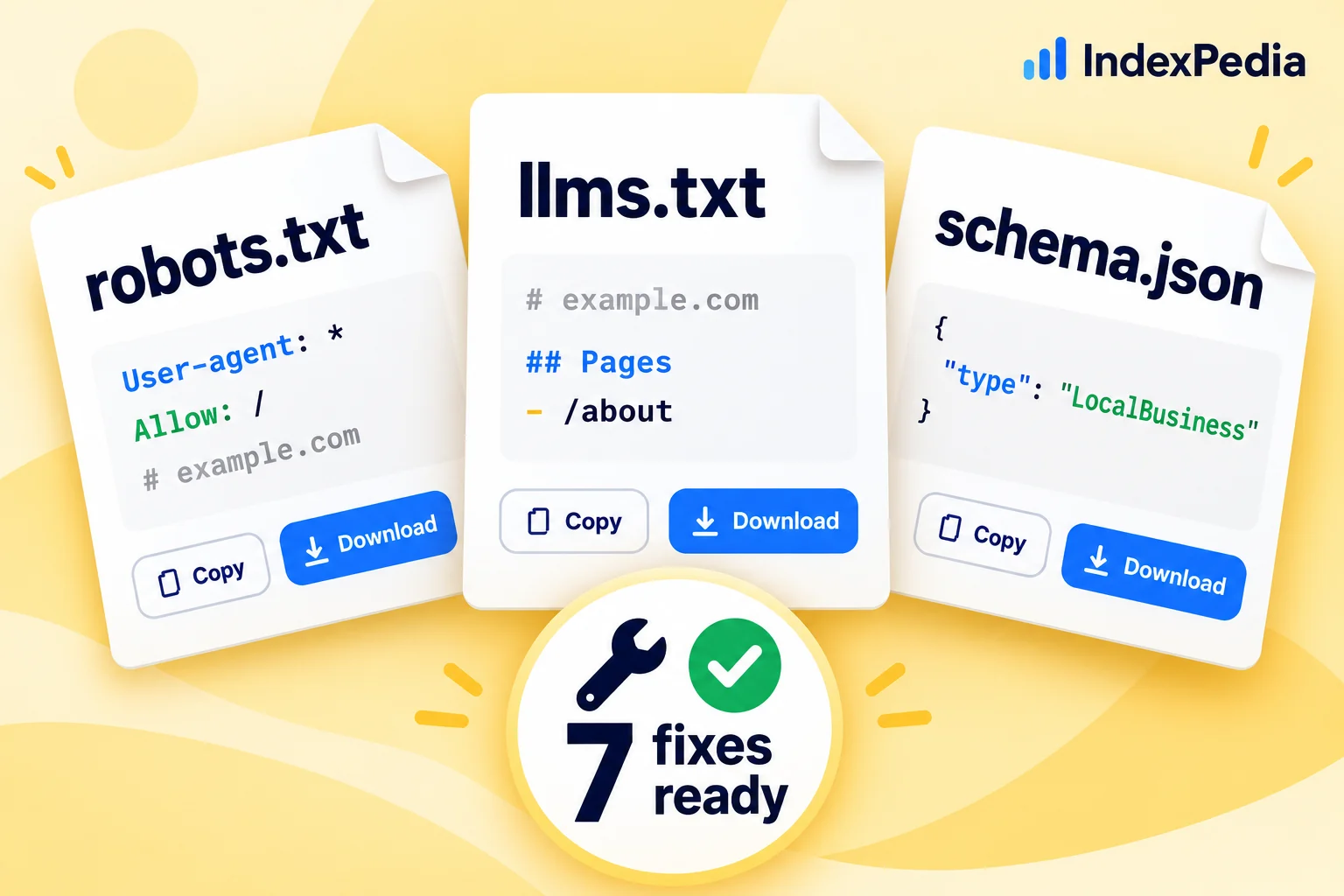
In this guide I'll open the Fix Kit for example.com and go through it one file at a time. For each file you'll see a real example, the problem it fixes, and where to put it. By the end you'll know every card in the kit and when to let Auto-fix do the work instead.
- Where in the app
- Fixes page, or "Fixes ready for you" after any scan
- Plan
- Fix Kit free with every scan
- Time it takes
- 10 to 20 minutes to install by hand
- What you need
- Access to your site's files or CMS
- Works on
- WordPress, Shopify, Wix, Squarespace and custom sites
Where the kit shows up
The Fix Kit shows up in two places. The first is right after a free scan: scroll down your report and you'll find a section called "Fixes ready for you."
The second is the Fixes page in the app, for sites in your account. Here it is for example.com.
Across the top are four numbers. Fix Kit counts the files and fixes written for you, 7 here. Auto-fixes counts the changes ready to apply to your live pages, 2,230 here. Clean sitemap shows how many of your sitemap pages made it into the clean version, 23,297 of 23,336. Website connection tells you whether your site is connected for Auto-fix. Below those sits the "Apply all fixes" banner, which comes up again at the end of this guide.
Under the banner is the kit itself, with one card per file.
Here's what I look at first: the label on each card. "No change needed" means you can skip it. Spend your time on the cards that say Generated.
File 1: robots.txt
What it fixes. robots.txt sits at the root of your site and tells crawlers which parts they may visit. One old Disallow: / under User-agent: * can block every AI crawler at once. The Fix Kit checks whether these crawlers can reach you: Googlebot, Bingbot, OAI-SearchBot, ChatGPT-User, PerplexityBot, Claude-SearchBot and Claude-User.
On example.com the card says No change needed, because all of them already get in, so the kit leaves the file alone. If any were blocked, the kit would start from your current file instead of a template. It would remove the old groups that block them, add a group at the top that lets them in, copy in every private folder you already hide from everyone, and add your sitemap address if it's missing. Training crawlers such as GPTBot and ClaudeBot stay as you set them, so that choice is still yours.
A corrected file for Golden Crust Bakery could look like this:
# Added by IndexPedia: let search and AI answer crawlers read the site
User-agent: Googlebot
User-agent: Bingbot
User-agent: OAI-SearchBot
User-agent: ChatGPT-User
User-agent: PerplexityBot
User-agent: Claude-SearchBot
User-agent: Claude-User
Allow: /
Disallow: /admin/
Disallow: /cart/

User-agent: *
Disallow: /admin/
Disallow: /cart/

Sitemap: https://example.com/sitemap.xml
How to install it. Save a copy of your old file first. Then upload the new one to the root of your site, so it opens at https://example.com/robots.txt; most hosting panels and CMS tools have a place for it. If you have no robots.txt at all, the kit gives you one to upload.
To learn which crawler does what, and how to find firewall blocks that robots.txt can't fix, read can AI crawlers read your website.
File 2: llms.txt
What it fixes. llms.txt is a proposed standard: a plain text file in Markdown that tells AI tools what your site is and links to its most useful pages. It sits beside robots.txt and your sitemap and doesn't replace them. No major AI engine has confirmed reading it yet. It's cheap and harmless to add, but don't expect it to change your visibility on its own.
The card on example.com says Generated and shows a code preview. The kit builds the file from your real pages: your site name as the heading, your homepage description as a summary, a "Main pages" list from your site's navigation, and sections for the parts of your site, each with a few pages and their descriptions.
# Golden Crust Bakery

> Fresh sourdough, pastries and custom cakes baked daily in Raleigh, NC.

## Main pages

- [Menu](https://example.com/menu)
- [Custom Cakes](https://example.com/cakes)
- [Visit Us](https://example.com/visit)

## Blog

- [How We Make Our Sourdough](https://example.com/blog/sourdough): Our 36-hour process, step by step.
How to install it. Copy or download it from the card and upload it to the root of your site as llms.txt, next to robots.txt.
Fixes you can copy, not just a list of problems
File 3: Business schema
What it fixes. Schema markup is a small block of JSON-LD that states your business facts in the schema.org vocabulary. Search engines and AI tools use it to read your name, logo, phone and profiles correctly instead of guessing from page text.
The card is called Business schema and offers a file named schema.html with Copy and Download buttons. The kit reads your homepage and writes Organization and WebSite markup from what it finds there: your name, homepage address and description, your logo from your sharing image or site icon, your phone from a click-to-call link, and your social profiles as sameAs links.
<script type="application/ld+json">
{
  "@context": "https://schema.org",
  "@graph": [
    {
      "@type": "Organization",
      "@id": "https://example.com/#organization",
      "name": "Golden Crust Bakery",
      "url": "https://example.com/",
      "description": "Fresh sourdough, pastries and custom cakes baked daily in Raleigh, NC.",
      "logo": "https://example.com/logo.png",
      "telephone": "+1 919 555 0142"
    },
    {
      "@type": "WebSite",
      "@id": "https://example.com/#website",
      "name": "Golden Crust Bakery",
      "url": "https://example.com/",
      "publisher": { "@id": "https://example.com/#organization" }
    }
  ]
}
</script>
How to install it. Paste it into the <head> of your homepage, or let Auto-fix add it. Check every value first: if your site shows an old phone number, the markup will too. If your homepage already has Organization or LocalBusiness markup, the kit tells you, and you only need the new block if yours is missing details.
File 4: Titles and descriptions
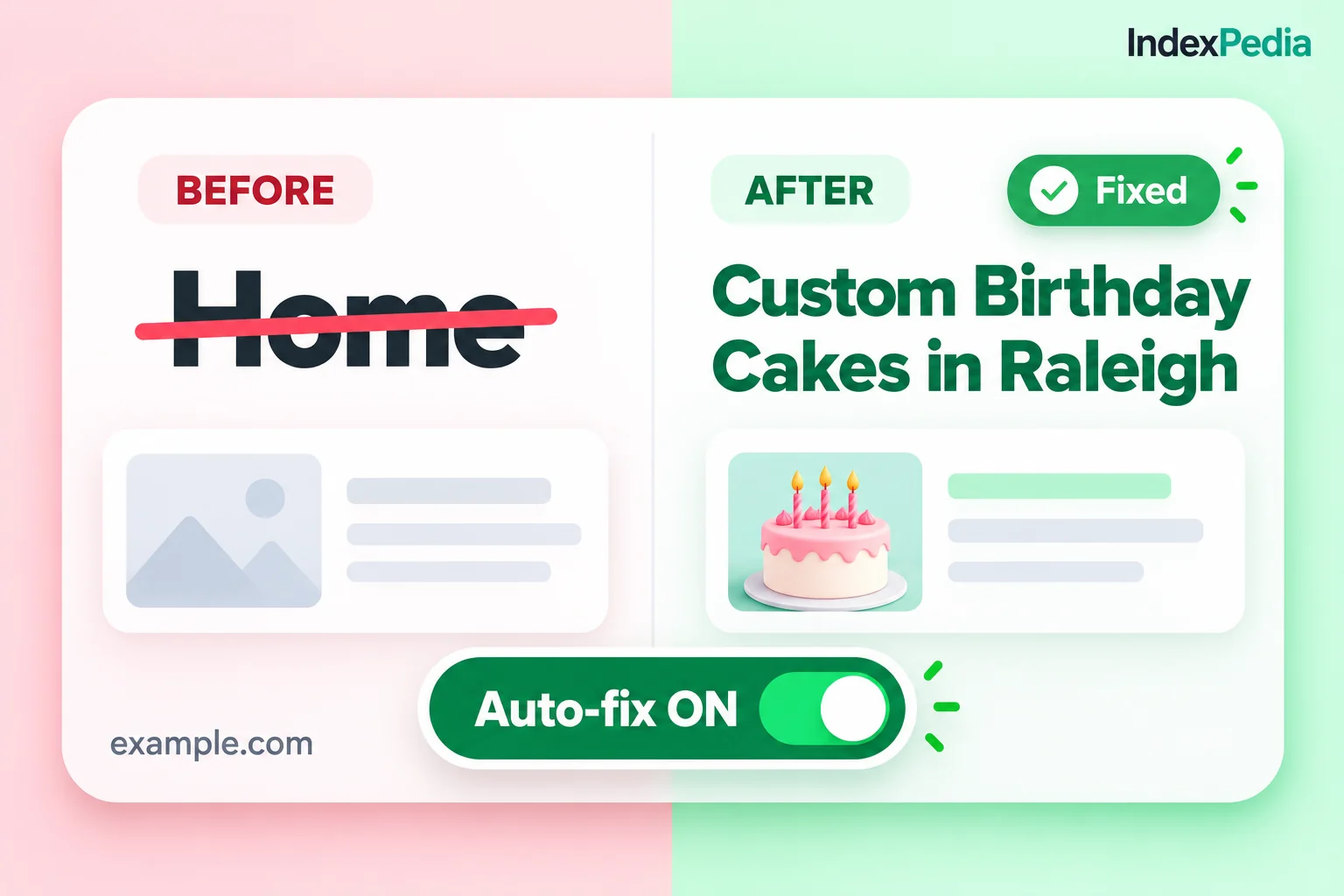
What it fixes. Your title and meta description are what people see in Google. Long titles get cut off, and on pages with no description the search engine picks a random piece of text.
The card lists each page with the old title struck out and the new one in green. Titles are shortened to about 60 characters at a natural break: whole sections are kept, a short brand stays at the end when it fits, and no word is cut in half. For pages with no description, the kit writes one from the page's own text, in whole sentences, at about 155 characters.
Golden Crust Bakery: Fresh Sourdough Bread, Pastries and Custom Cakes in Raleigh, North Carolina (cut off in results)
Fresh Sourdough Bread and Pastries - Golden Crust Bakery (shown in full)
In the page itself, the result is two lines in the <head>:
<title>Fresh Sourdough Bread and Pastries - Golden Crust Bakery</title>
<meta name="description" content="Sourdough, croissants and custom cakes baked fresh every morning in Raleigh, NC. Order a cake online or stop by the shop until 7 PM.">
How to install it. Edit each page's title and description in your CMS, or switch them on in Auto-fix. You can change any suggestion first. There's more on this in fix titles and descriptions without code.
File 5: Clean sitemap
What it fixes. Over time sitemaps fill up with redirects, broken pages and noindex pages, and when a sitemap lists pages that shouldn't be there, search engines learn not to trust it.
For sites in your account, the kit provides a clean sitemap that it hosts for you. It keeps the pages from your sitemap and leaves out any found to be broken, marked noindex, redirected, pointing their canonical elsewhere, or too thin. Pages that haven't been checked yet stay in. On example.com, 23,297 of 23,336 pages made the cut, so 39 were left out.
<?xml version="1.0" encoding="UTF-8"?>
<urlset xmlns="http://www.sitemaps.org/schemas/sitemap/0.9">
  <url><loc>https://example.com/</loc></url>
  <url><loc>https://example.com/menu</loc></url>
  <url><loc>https://example.com/cakes</loc></url>
</urlset>
How to install it. Copy the clean sitemap address from the Fixes page and submit it in Google Search Console and Bing Webmaster Tools. You can also list it on the Sitemap: line of your robots.txt.
If your clean sitemap leaves out a lot of pages, don't just submit it and move on. Those left-out pages are a to-do list of redirects and broken links worth fixing.
Skip the copying: Auto-fix
If you'd rather not touch files, go back to the "Apply all fixes" banner on the Fixes page. Auto-fix applies titles, descriptions and schema to your live pages. It works on any site builder through one line, the IndexPedia tag, or through the WordPress plugin. Once Website connection shows connected, approved changes go live within 5 minutes. You can review everything before it goes live and undo any time. On example.com, 2,230 changes are ready to apply with one click.
- 1Run a scan
Every scan writes the kit, free included.
- 2Open the Fixes page
Read each card and skip the ones marked No change needed.
- 3Install the files
Upload robots.txt and llms.txt to your site's root and submit the clean sitemap.
- 4Apply the rest
Paste schema and edit titles yourself, or connect your site and click Apply all fixes.
Every part of the kit
Starts from your current file, lets search and AI answer crawlers in, keeps private folders private and adds your sitemap.
Crawlers that were blocked without your knowing can read your pages again.
Built from your navigation and pages into a short Markdown guide for AI tools.
A clean summary of your site is ready if AI tools start reading it.
Organization and WebSite markup from your homepage's name, logo, phone and profiles, as schema.html.
Search engines and AI tools read your business facts correctly.
Shortens titles at natural breaks and writes missing descriptions from page text.
Your results show in full and say what you want them to say.
A hosted sitemap without broken, redirected, noindex or thin pages.
Search engines trust your list and spend their time on the pages you want found.
Applies titles, descriptions and schema through the IndexPedia tag or WordPress plugin, live within 5 minutes.
Thousands of fixes go live without you touching code.
What it means for you
You get the files themselves, ready to install, so you don't need to hire someone to work through a list of problems. A bakery owner can install the kit in an afternoon, or connect Auto-fix and be done in minutes.
Crawlers get in, read clear titles and facts, and follow a sitemap that only lists working pages. Visitors see no change, only search engines and AI tools do.
Over time, consistent schema, a sitemap search engines can trust and open access for search crawlers show Google and AI tools that your domain is well kept and worth crawling.
Before you install anything, run AI Reach to see which crawlers are blocked today, then rescan after your changes to confirm the fix.
Fixes you can copy, not just a list of problems
FAQ
Is the Fix Kit free?
Yes. Every site scan, including the free one, comes with its Fix Kit. What Auto-fix adds is applying titles, descriptions and schema to your live pages automatically.
What does "No change needed" mean on a card?
The kit checked that file and yours is already fine. On example.com the robots.txt card says this because every search and AI answer crawler can already get in, so you can skip that card.
Will the new robots.txt block anything I need?
It keeps the rules that protect your private folders, opens access for search and AI answer crawlers, and points to your sitemap. Training crawlers stay as you set them. Read it and save your old file before you replace it.
Do I need llms.txt?
It's optional. llms.txt is a proposed standard, and no major AI engine has confirmed reading it. It's harmless to add, and it never replaces robots.txt.