AI Reach checks whether AI tools can read your website. I'll open the AI Reach report for example.com and go through it one check at a time, covering what each check tests, what a pass and a fail mean, and how to fix a fail.
- Where in the app
- Your site's AI visibility page, or any free site scan
- Plan
- Free with every scan
- Time it takes
- About a minute per scan
- What you need
- Just your domain
- Works on
- Any website on any platform
The three screens you'll use
AI Reach shows up in three places: the overview, the score breakdown and the Page funnel table. The first two come before the checklist, and the Page funnel table comes after it.
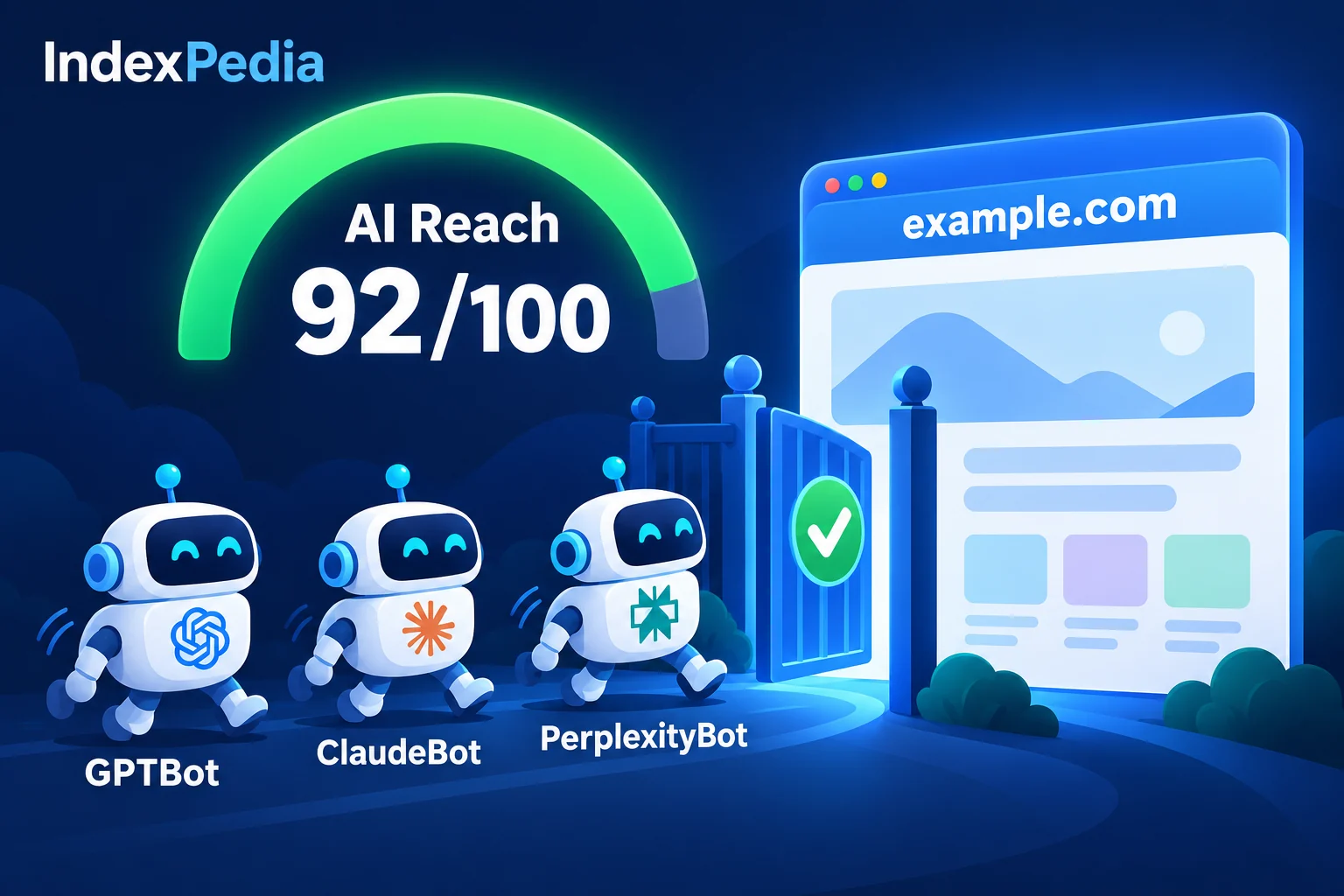
You start on the overview. The big number is the AI Reach score, out of 100. Next to it are AI crawler visits over the last 30 days, with a list of which bots came, and visits from AI, meaning people who clicked through from an AI answer. Below that is the Visibility funnel, whose bars show how many pages are In Google, Seen by Bing, readable by AI ("AI can read it"), crawled by AI, cited in answers, and bringing visits from AI.
AI Reach checks the steps you control. The score is built from seven checks, and the report shows the points for each one, so you can check the math yourself.
Here's what I look at first: the score breakdown, not the big number. A 72 tells me little. "Crawler access 27 of 40" tells me exactly where to go.
The checklist
Each check below matches one bar in the score breakdown, and the points add up to 100.
Check 1: Search and AI crawlers can reach the site (40 points)
What it tests. Six crawlers put you in search and AI answers: Googlebot, Bingbot, OAI-SearchBot, ChatGPT-User, PerplexityBot and Claude-SearchBot. For each one, AI Reach reads your robots.txt the way that crawler reads it, against your homepage and a few sample pages. Then it requests the homepage as that crawler and compares the answer with what a normal browser gets.
Pass. All six get in. The Each AI crawler table is green and the bar says "6 of 6 crawlers".
Fail. Either a robots.txt rule blocks the crawler, and the report names the exact rule, or robots.txt allows it but your firewall answers with an error or a "verify you are human" challenge. The firewall case is easy to miss, because reading robots.txt will never show it.
The fix. For a robots.txt block, open your Fix Kit. It writes a corrected robots.txt from your current file that lets these crawlers in and keeps your private folders private. For a firewall block, check Cloudflare's "Block AI bots" or bot-fight settings, or any security plugin with a "block bots" switch. If you can't find the setting, send your host the crawler name from the report.
This check is worth 40 points because nothing else matters if crawlers can't get in.
Check 2: Pages readable without JavaScript (15 points)
What it tests. Whether each tested page has its text in the page itself or only builds it with JavaScript in the browser.
Pass. Every tested page shows its words without JavaScript.
Fail. The report says something like "2 of 5 pages are blank without JavaScript." The ChatGPT, Claude and Perplexity crawlers don't run JavaScript, so to them your menu, prices and hours aren't there.
The fix. Send your key text in the first response: your name, services, prices, hours and contact details. Many site builders already do this. If yours doesn't, ask your developer about server-side rendering or pre-rendered pages.
Check 3: Unique text on pages (15 points)
What it tests. How many sampled pages have real words of their own, and how many are mostly template text repeated across the site, such as the same header, footer and sidebar with almost nothing else.
Pass. Each of your pages says something of its own.
Fail. "Pages are mostly template text." AI answers quote facts that are unique to a page, so a page made of boilerplate gives AI nothing to use.
The fix. Add the facts a customer would ask about to each important page. This check needs the full site scan. On a quick check it shows "needs the full scan" and is left out of the math, so it doesn't count against you.
Check 4: Snippets allowed (10 points)
What it tests. Whether your pages tell Google not to show snippets, with a nosnippet setting in a meta tag or header.
Pass. Snippets are allowed.
Fail. The report shows which pages block snippets. Google won't quote those pages anywhere, including AI Overviews.
The fix. Remove the nosnippet setting from pages you want quoted. An SEO plugin option or a theme setting often leaves it behind.
Check 5: Structured data (10 points)
What it tests. The share of tested pages that carry schema.org markup.
Pass. Your pages state in markup what the business, product or article is.
Fail. "No structured data." AI and search engines have to guess your key facts from the page text.
The fix. The Fix Kit writes Organization and WebSite schema for your homepage from your own site. You can paste it in or let Auto-fix add it for you.
Check 6: Meta descriptions (5 points)
What it tests. The share of tested pages with a meta description.
Pass. Every tested page has one.
Fail. The report gives the percentage missing. AI tools and Google use the description as the page summary.
The fix. The Fix Kit writes a description from the page's own text for each page that is missing one. Copy them into your site, or let Auto-fix apply them.
Check 7: Fast answer to AI crawlers (5 points)
What it tests. How long your homepage takes to start answering ChatGPT's crawler. Up to 800 ms earns the full 5 points, up to 1,500 ms earns 3, and up to 3,000 ms earns 1.
Pass. The homepage answers quickly.
Fail. The homepage answers slowly. AI tools often fetch pages while the user waits, and they skip slow ones.
The fix. Caching, a lighter homepage and a better host all help. Run the scan again after any change.
Can ChatGPT, Perplexity and Claude read your site?
What is not in the score
Two things appear in the report without changing your number.
The first is training crawlers. GPTBot, ClaudeBot and the Google-Extended token are for model training rather than AI answers, so if you block them the report notes it as information only. Blocking GPTBot does not remove you from ChatGPT search, which uses OAI-SearchBot.
The second is llms.txt, a proposed standard that no major AI engine has said it uses yet. The report tells you if you don't have one, but it costs you no points.
| Check | Points | Most common fix |
|---|---|---|
| Crawler access | 40 | Corrected robots.txt or a firewall setting |
| Readable without JavaScript | 15 | Send key text in the page |
| Unique text | 15 | Add real facts to each page |
| Snippets allowed | 10 | Remove nosnippet |
| Structured data | 10 | Fix Kit schema |
| Meta descriptions | 5 | Fix Kit descriptions |
| Fast answer | 5 | Caching or a faster host |
Following a page through the funnel
The score tells you whether AI can read your site. The Page funnel table shows what actually happened to each page. Every page gets a green check for each stage it has passed: In Google, Seen by Bing, AI can read it, AI crawled it, Cited in answers and Visits from AI. Where the checks stop, that page is stuck.
If a page passes "AI can read it" but never gets "AI crawled it," crawlers haven't come for it yet, and a clean sitemap listed in robots.txt helps. For detail on which bots visit and how often, see the AI Crawler Tracker and our guide on which AI crawlers visit your site.
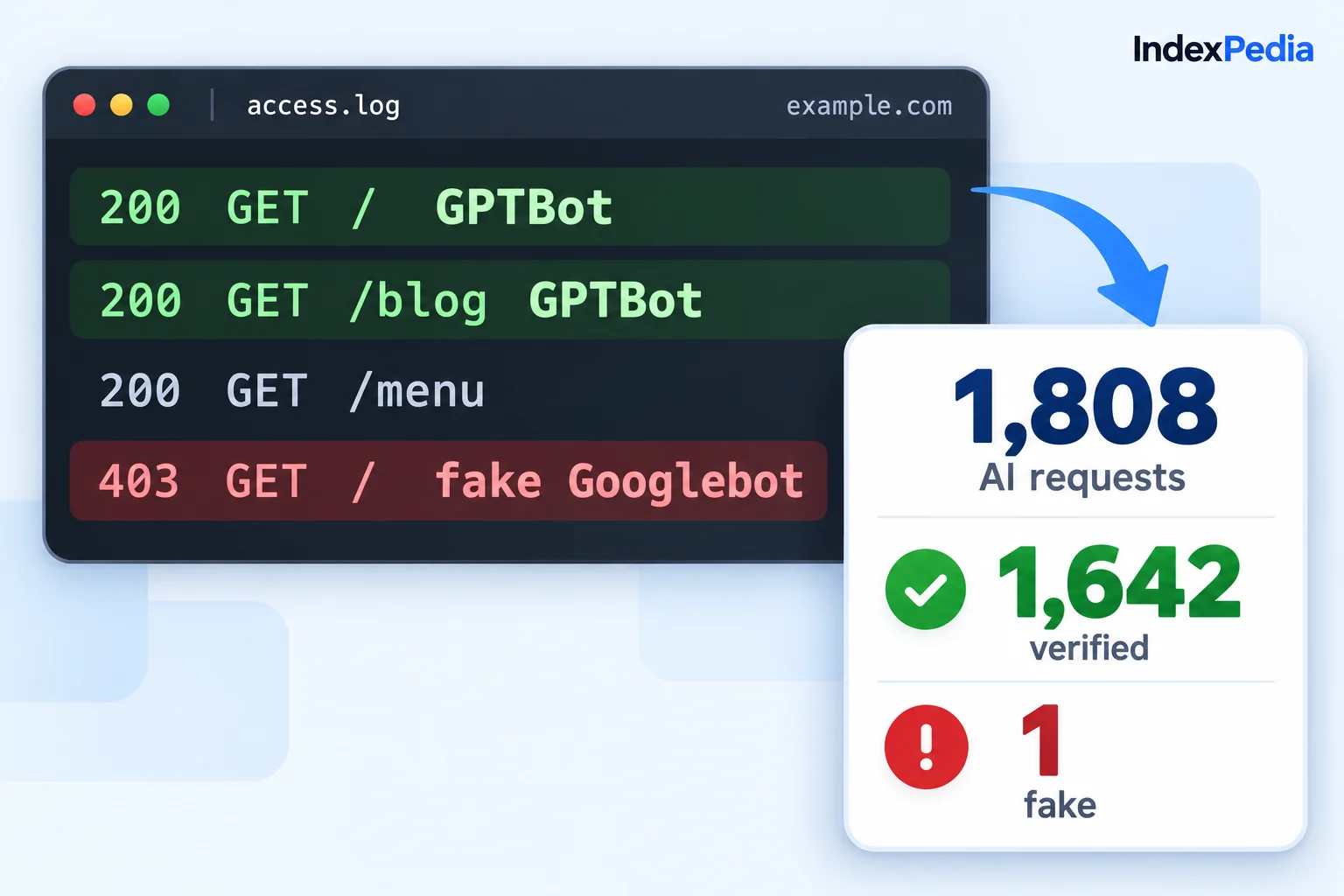
On example.com, 184,151 crawler visits turned into 13 visits from AI. That's normal. Crawling comes first, citations come later, and clicks come last.
Features inside AI Reach
Reads your robots.txt the way each crawler does, against your homepage and sample pages, and names the exact rule that blocks.
You fix the right line.
Requests your homepage as each crawler and as a browser, and compares the answers.
You find Cloudflare and host blocks that robots.txt never shows.
Spots pages that are blank until JavaScript runs.
Your menu, prices and hours become visible to AI crawlers.
Measures how many pages carry schema and a meta description.
AI can read your key facts from markup.
Times how fast your homepage answers ChatGPT's crawler.
Slow pages stop getting skipped.
Seven parts, each with its points and a bar.
You know what to improve and how many points it is worth.
Shows pages at each stage from Google to visits from AI, overall and page by page.
You see where pages get stuck on the way to AI answers.
Benefits beyond the score
When AI assistants can read your pages, they can name you in answers. Each blocked crawler cuts you off from the customers who use that tool, and AI Reach shows you which crawlers are blocked.
You find easy-to-miss problems like a firewall rule, a nosnippet tag or JavaScript-only pages, each with a clear fix. For sites in your account, AI Reach runs again on a schedule, so it catches a plugin update that starts blocking crawlers.
Crawlers that can always reach clean, readable pages with clear facts come back more often.
For the files behind most of these fixes, read robots.txt, llms.txt and schema fixes explained.
Can ChatGPT, Perplexity and Claude read your site?
FAQ
What does the AI Reach score measure?
It adds up seven checks: crawler access, pages readable without JavaScript, unique text, snippets allowed, structured data, meta descriptions and a fast answer to AI crawlers. The report shows each part with its points, so you can see where the number comes from.
Which crawlers count toward the score?
Googlebot, Bingbot, OAI-SearchBot, ChatGPT-User, PerplexityBot and Claude-SearchBot, the crawlers that put you in search and AI answers. Training crawlers such as GPTBot and ClaudeBot are shown separately and don't change the score.
Why does my site fail crawler access when robots.txt looks fine?
Usually a firewall or CDN rule is the cause. Some hosts and Cloudflare settings answer AI crawlers with an error or a challenge while browsers load fine. AI Reach requests your homepage as each crawler, so it catches this.
Should I block GPTBot?
That is your choice. GPTBot collects training data, while OAI-SearchBot and ChatGPT-User are what put you in ChatGPT answers. Blocking GPTBot does not remove you from ChatGPT search.