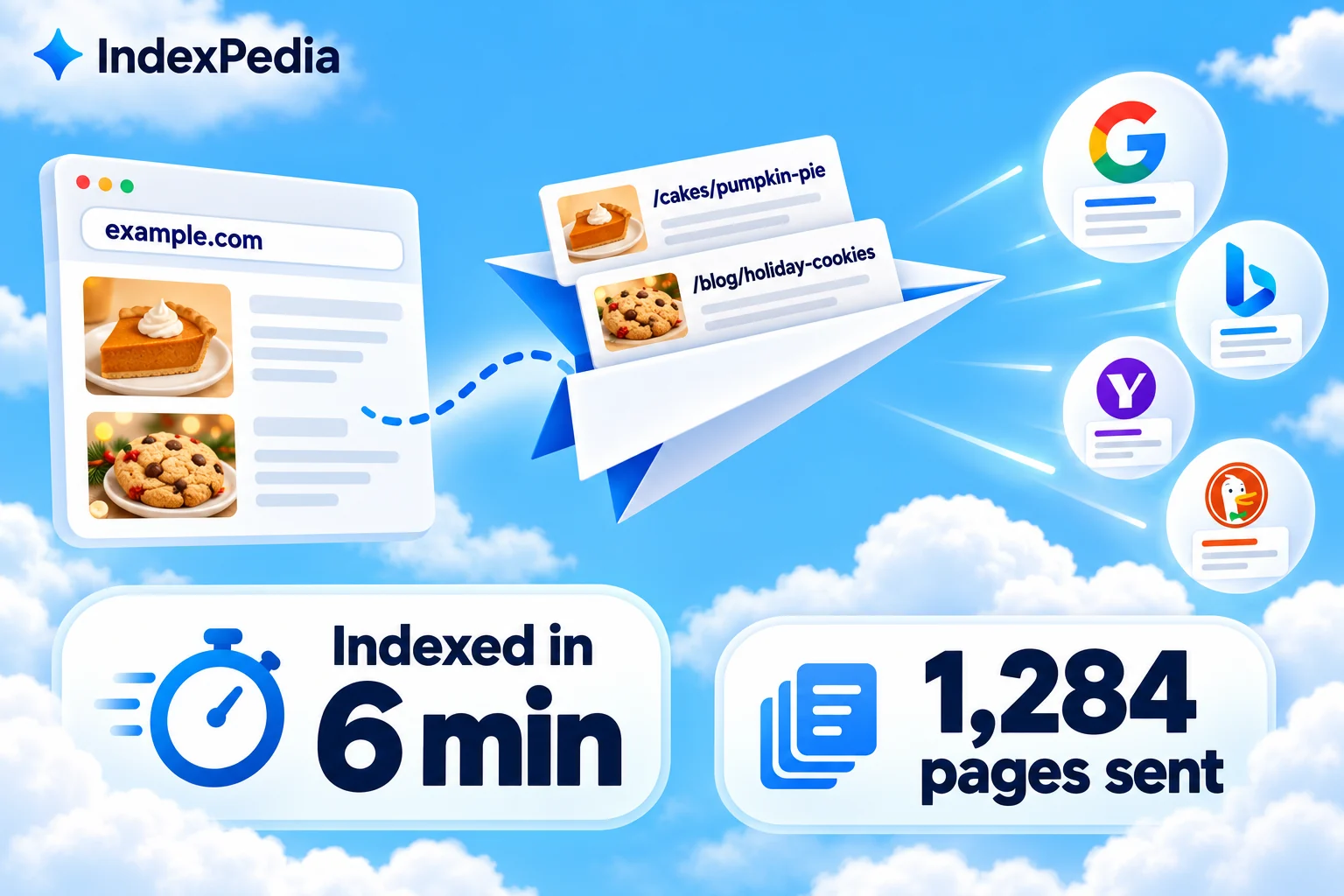
IndexNow lets your site tell Bing and four other search engines about new and changed pages as soon as they appear. In this guide I'll explain it in plain words first, then set it up with you inside IndexPedia, and finish on the screens where you can watch it work. The whole setup is one small file on your site, and after that your pages go out on their own.
- Where in the app
- Your site, then Settings and runs
- Plan
- Free, Pro and Agency, included on every plan
- Time it takes
- About 5 minutes
- What you need
- A sitemap and a way to upload one file to your site
- Works on
- Any platform with a sitemap
IndexNow in plain words
When you publish a page, search engines don't know about it until the next time they crawl your site. For a small business that can mean days or weeks, especially for pages deep in the site.
With IndexNow, your site doesn't wait for a search engine to come looking. It sends a short message: "these pages are new or changed, please check them." IndexNow is an open protocol, meaning a shared set of public rules any website and search engine can use. It's free, and Microsoft runs it together with other search engines.
One message reaches every engine that takes part, because they share it with each other. You send one notice instead of five.
These are the engines that listen, and why each one matters to you.
| Search engine | Uses IndexNow | Why it matters to you |
|---|---|---|
| Microsoft Bing | Yes | Bing's index feeds Microsoft Copilot, and ChatGPT search draws on Bing among its sources |
| Yandex | Yes | A large search engine in Eastern Europe and Central Asia |
| Seznam | Yes | The leading local search engine in the Czech Republic |
| Naver | Yes | The biggest search engine in South Korea |
| Yep | Yes | An independent search engine with its own index |
| No | Google does not take part. It relies on your sitemap and its own crawl |
Notice the Bing row, because Bing's index now reaches well beyond Bing itself. When Golden Crust Bakery in Raleigh adds a page for holiday pie preorders, getting that page into Bing fast is the first step toward showing up when someone asks an AI assistant where to preorder a pie in Raleigh.
IndexNow has a limit. It helps a search engine find a page, but it can't make the page worth indexing: the engine still visits the page and judges it like any other.
People always ask me about Google here. Google doesn't use IndexNow, so for Google I point them to the Google indexing report instead. IndexNow is your fast lane to Bing and the AI answers built on it.
Bing finds the new holiday pie page on its next crawl. For a small site that can take days or weeks.
Bing receives a notice within seconds of the sitemap change and usually fetches the page within minutes to hours.
Setting it up, step by step
You'll need your free IndexPedia account and a way to put one file on your site. Keep the app open and follow along.
- 1Add your site
Sign in, press Add site and enter example.com. IndexPedia reads your sitemap and runs its first scan.
- 2Open Settings and runs
Go to your site and open Settings and runs. Under site settings you'll see your sitemap address, which IndexPedia found for you. Change it here if your sitemap lives somewhere unusual.
- 3Download the key file
In the same site settings box is the IndexNow key file with a Download button. Press it. You get a small text file whose name and content are your site's key.
- 4Upload it to the root of your site
Put the file in the top folder of your site, so it opens at example.com followed by the file name. On WordPress use your host's file manager, next to the main index file. On custom sites, use the public web root.
- 5Let IndexPedia check it
IndexPedia confirms the file is in place before it sends anything. Once it's found, the next run sends your pages automatically.
- 6Watch the first run
The Latest run log fills in with each step: sitemap read, pages sent to IndexNow, pages checked. From now on every run does this by itself.
The key file keeps this safe. When an engine gets a notice, it looks for that file on your site. If the file is there and matches, the engine knows the message came from the site owner and not from someone sending fake addresses. Inside, the file looks like this, though your real key is longer and made just for your site.
3f8a9c2e7b1d4f6a
To check the upload, open the file in your browser at example.com/ followed by the file name. If you see the key on the page, it's in the right place.
Some site builders don't allow files at the root. If yours doesn't, check its help pages, because some builders already send IndexNow notices for you.
New pages reach Bing in minutes, not weeks
Where you can see it working
People often skip this part, but these two screens are how you know everything is working.
The Latest run log
Open Settings and runs. The dark box at the top is the Latest run log, which lists what the last run did in order: the sitemap was read, IndexNow submitted 120 new pages, and then the pages were checked.
Look for that middle line, because it tells you how many pages went out. Only new and changed pages are sent. Pages that didn't change are left alone, and pages that redirect, fail to load or are marked noindex are skipped.
Under the log is the run history, with every run listed. You can scroll back to see what was sent on any day and what the answer was, and if something fails, this is where you'll find out why.
The site dashboard
The dashboard gives the bigger picture. At the top is the Your setup checklist, here at 3 of 5 done, which shows the setup steps you've finished and the ones that are left.
Below it is the KPI strip. In our demo account it shows:
Under the strip is a 30-day chart, and one of its lines is pages sent to IndexNow. A batch of new pages shows up as a bump on the day you publish them, and when the site is quiet the line stays low. That's how it should look.
After setup, the first thing I look at is the run log line that says how many pages were submitted. If that number roughly matches what you published, you're done. After that I glance at the chart once a week.
Every feature in one place
Runs after every sitemap change, with no button to press.
New pages reach search engines without anyone remembering to submit them.
Compares your sitemap with the last run and sends only new and changed pages.
No wasted requests, and engines see your submissions as useful.
One notice reaches Bing, Yandex, Seznam, Naver and Yep together.
Wide reach from a single setup.
Bing's index powers Copilot and is one of ChatGPT search's sources.
Your new pages can reach AI answers sooner.
Large sites are sent in batches of up to 10,000 pages.
Big catalogs are covered without extra work.
Leaves out pages that redirect, fail or are marked noindex.
Engines only get pages worth their time.
Every run lists what was read, sent and checked, with the answer for each send.
You can prove what was sent and spot problems fast.
Gives you the key file and confirms it's in place before sending.
Notices are trusted as coming from you.
Why this pays off
A new menu page, a seasonal offer or a price change reaches Bing within minutes to hours instead of weeks, and Bing is where Copilot and ChatGPT search look. You stop missing the first busy days of a launch.
Only fresh pages are sent, and broken or redirected ones are left out, so crawlers spend their visits on pages that matter. The run log shows every send.
A steady record of clean, accurate submissions shows search engines that your site keeps its pages up to date, and over time that helps new pages get crawled faster.
Before you go
IndexNow works best on a site crawlers are allowed into. If robots.txt or a firewall blocks Bingbot, the notice arrives but the visit fails. AI Reach tests that for Bingbot and the AI crawlers, and can AI crawlers read your website? covers the rest.
For Google, use the Google indexing report. It reads Search Console and shows why pages are left out. Our guide why Google is not indexing your pages walks through every reason.
New pages reach Bing in minutes, not weeks
FAQ
Does Google use IndexNow?
No, Google doesn't take part in IndexNow. For Google, keep a clean sitemap and connect Search Console so the Google indexing report can show what keeps pages out.
Which search engines receive my pages?
Microsoft Bing, Yandex, Seznam, Naver and Yep. One notice sent to IndexNow is shared with all of them, so you don't need a separate setup for each.
Do I have to submit pages myself?
No. After the key file is in place, IndexPedia watches your sitemap and sends new and changed pages on every run. The Latest run log shows each send.
Does sending a page guarantee it gets indexed?
No. IndexNow makes sure the engine knows about the page quickly, but the engine still visits it and decides based on its quality, the same as any other page.