I'm on the IndexPedia team, and in this guide I'll read a real AI Visibility Check report with you, one part at a time: first the result, then what each number means and what to do about it. The example is Golden Crust Bakery in Raleigh, NC. Its first result is not pretty, which makes it a good report to learn from.
- Where in the app
- /tools/ai-visibility, or Tools in your dashboard
- Plan
- Pro (5 checks a month) and Agency (20 a month)
- Time it takes
- About a minute
- What you need
- Business name, city and what you do
- Works on
- Any business, with or without a website
Here's the result
This is the report Golden Crust Bakery got. Look over the whole thing first, and then we'll go through it from top to bottom.
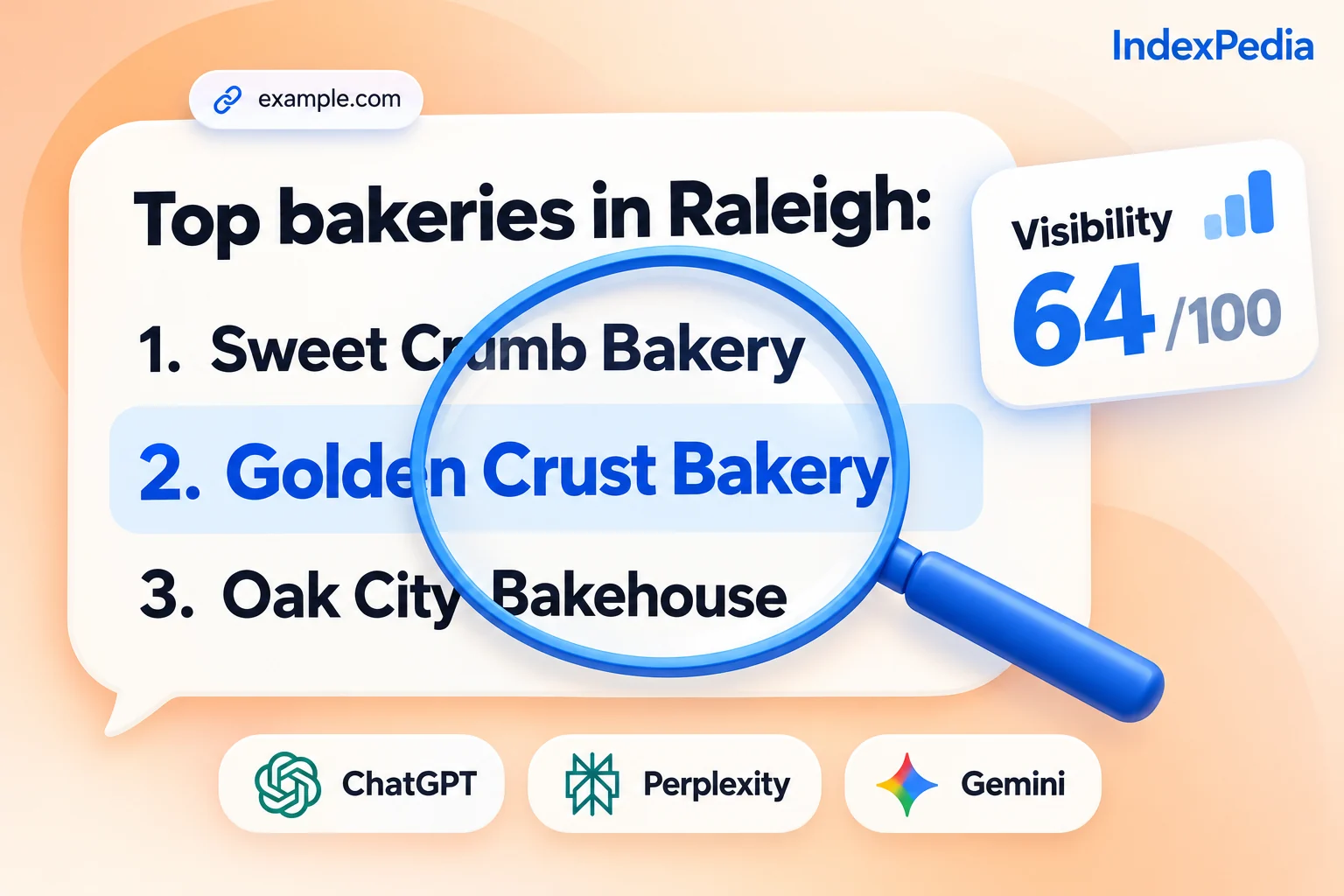
The answers in it come from ChatGPT search, one AI with live web search. The check asks it the questions your customers would ask, live, so the report shows real answers instead of guesses from old data.
Reading it top to bottom
1. The red banner: "not recommended yet"
The banner gives the verdict in one line. Red with "not recommended yet" means that when ChatGPT search was asked for a business like yours, it did not name you in any answer.
The word "yet" matters, because this is where you start. Most small businesses see this banner on their first check. It usually means AI hasn't found enough clear facts about you to put you on its shortlist, which is a different problem from AI disliking you.
Don't panic at the red banner. I see it on most first checks for local businesses. The useful part is everything under it, because that's where the report tells you why.
2. The score: 0 of 100
The AI visibility score sums up the check in one number you can track. Being recommended counts for most of it, because that's what brings in new customers, and being known by name counts for the rest.
A score of 0 means AI did not recommend you in any of the discovery answers. A discovery question is one that doesn't include your name, like "best bakery in Raleigh". New customers find you through questions like that, so they carry the most weight.
3. Recommended: 0 of 4
This is the raw count behind the score. The check asked 4 discovery questions, the kind a customer types before they know your name, and Golden Crust Bakery was named in 0 of them.
This count matters most. 1 of 4 means AI named you once, and 4 of 4 means you showed up every time. Each answer that names you is a customer who would have heard of you.
4. Competitors recommended: 10
Next to your count is the competitor count. Across the same 4 answers, ChatGPT search recommended other businesses 10 times. AI was happy to recommend bakeries in Raleigh; it just picked other ones.
The number works as a reality check. If competitors had been recommended 0 times, AI might simply not answer that kind of question well. With 10 recommendations to others and 0 to you, the question is fine and the gap is in how easily you're found.
5. Who AI recommends instead
This list is the most useful part of the report. It names the local bakeries AI recommended instead of you, each with a bar showing how often it was named, so the longest bar belongs to the business AI picks most.
Look at those names and ask what they have that you don't. It's usually clearer, more consistent facts in more places online rather than a better product. They're in the city food guide, they have reviews on the sites AI reads, and their hours match everywhere.
6. What AI says about you
The last list shows what ChatGPT search says when asked about your business directly, which tells you whether AI knows who you are and whether it has the facts right.
Read it slowly and check every fact. Is the address right? The hours? Does it know you make custom cakes? A wrong fact can cost you a customer who already wanted you, and a missing one is a gap you can fill.
A common pattern is that AI knows your name and what you sell, but you still get 0 of 4. AI has heard of you, then, but doesn't see enough signals to recommend you over others.
Does AI recommend your business?
Every part of the check, in one place
The report holds more than fits in one screenshot. Here is each feature, what it does, and how it helps.
Asks discovery questions live and records whether you're named and in what position.
Shows if new customers hear your name when they ask AI.
Lists the competitors AI recommended, ranked with bars by how often.
Shows who you're losing customers to.
Asks about your business by name and shows the facts AI states.
Lets you spot wrong hours, missing services and gaps.
Lists the websites the answers relied on for your area.
Gives you a to-do list of places to get listed.
One number from 0 to 100, weighted toward being recommended.
Lets you track progress as you improve.
Keeps every answer so you can read exactly what was said.
You can read the evidence yourself.
Running your own check
You can run the check from /tools/ai-visibility or from the Tools page in your dashboard. The form asks for three things: your business name, your city, and what you do.
- 1Fill in three fields
Golden Crust Bakery, Raleigh, NC, bakery. Add a website if you have one, so the check can see whether AI uses it as a source.
- 2Watch the progress screen
The check runs in the background and shows each step. It takes about a minute.
- 3Read your report
Go through it in the order above: banner, score, recommended count, competitors, who AI names instead, what it says about you.
The check is included in Pro (5 checks a month) and Agency (20 a month). Your results stay in your account so you can compare them later.
Here's my tip: write down the exact names on the "Who AI recommends instead" list. Then search for each one and note which listing sites they show up on. That's usually the fastest way to see where you're missing.
Your next three moves
A score of 0 can be fixed. Nobody can promise that AI will recommend you, and anyone who does is guessing, but the steps that help are well known.
Move 1: Get listed where AI looks
Start with the sources the check shows, and get your business listed on each one with the same name, address, hours and services. If the local food guide lists five bakeries and you're not one of them, AI is unlikely to name you.
Move 2: Make sure AI can read your site
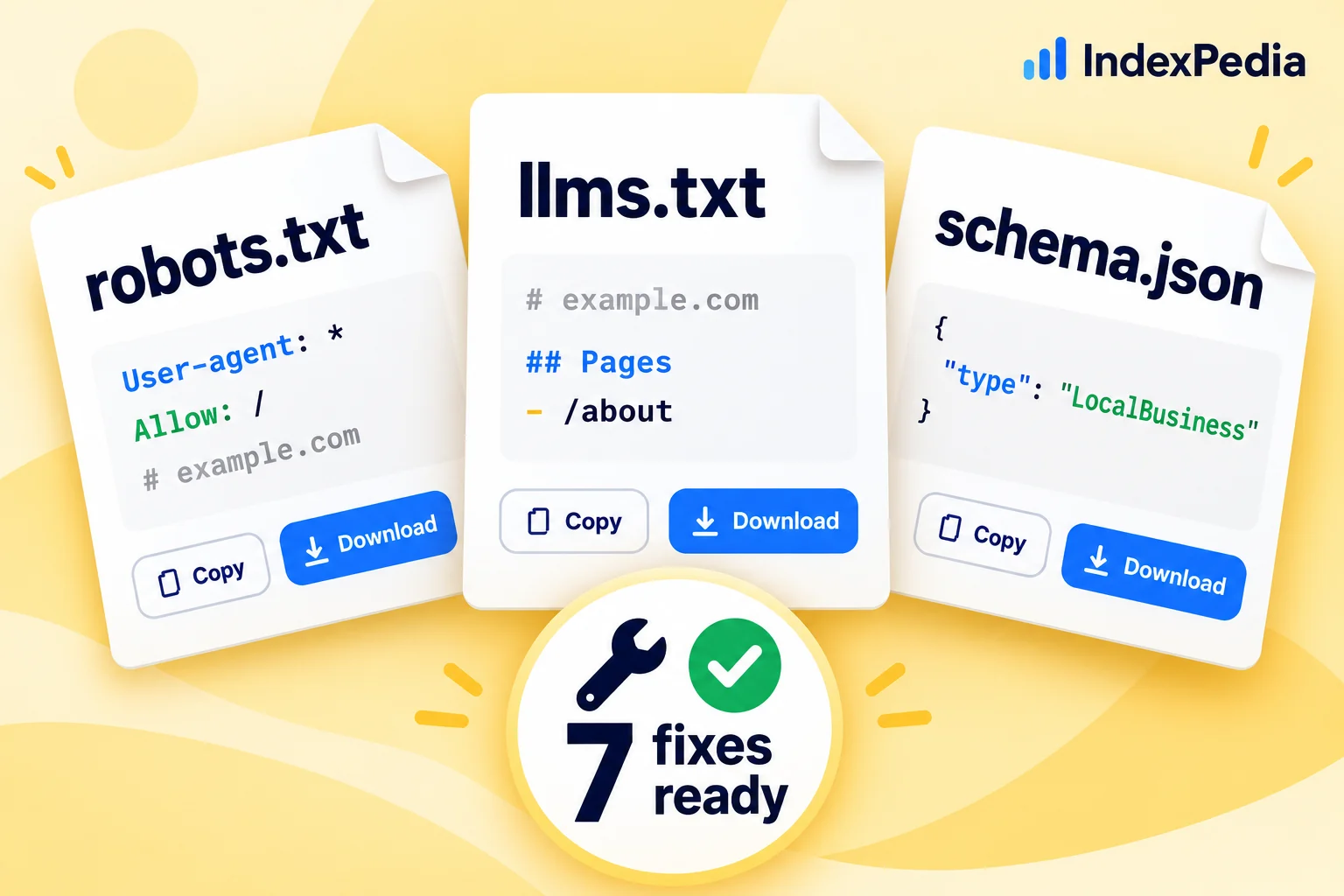
If your robots.txt or firewall blocks AI crawlers, ChatGPT search can't quote your own pages. A free site scan shows your AI Reach score and tests every AI crawler in about 20 seconds. We walk through that report in How to scan your website for Google and AI problems.
Move 3: Give AI one clear page about you
When AI is missing facts, it guesses.
Red banner. Score 0 of 100. Recommended 0 of 4. Competitors recommended 10 times. AI knows the name but not the cakes or the hours.
Listed on the sources AI used, with matching hours everywhere. The site is open to AI crawlers. Now AI has the facts it needs to name the bakery.
Why one check is only a snapshot
AI answers change from one ask to the next, even for the same question, so you might be named on Monday and missed on Tuesday. One check shows a single moment.
To see which way things are going, you need the same questions asked over time.
What this gives you
You learn whether customers asking AI for a bakery in your city hear your name, and which competitors get those customers instead.
You see whether AI uses your site as a source and what facts it pulls from it, so you know which pages need clearer services, prices and hours.
Knowing which sources AI trusts lets you build consistent listings and mentions that point to your business.
Does AI recommend your business?
FAQ
Which AI does the AI Visibility Check ask?
It asks one AI with live web search, ChatGPT search, and puts the questions to it live, the way a customer would.
What does "recommended 0 of 4" mean?
The check asked 4 discovery questions, ones that don't include your name, like "best bakery in Raleigh", and you were named in 0 of them. Each one you appear in is a new customer who would hear your name.
Why is my score 0 when AI knows my business?
Being recommended counts for most of the score. AI can know your name and what you sell when asked directly and still leave you out when someone asks for the best business in your city. The score shows that gap.
Why did I get a different result the second time?
AI answers vary from one ask to the next, even for the same question.